
Getting the click is only half of Pinterest marketing. What happens in the thirty seconds after a reader lands decides whether Pinterest sends you the next hundred visitors or quietly moves on. Learning how to write blog posts Pinterest readers actually stay on is therefore a traffic skill, not just a writing skill. Pinterest watches the visit you earned: whether the reader stays, scrolls, reads and clicks a second page — or bounces straight back. Articles that hold people send a quality signal no pin design can fake, while thin pages under strong pins slowly suppress the whole account. This guide covers the length, layout and internal linking habits that turn one click into a real reading session. The principles are simple, they cost nothing to apply, and they work for idea lists, tutorials and in-depth guides alike.
Why Stay Time Is a Pinterest Signal
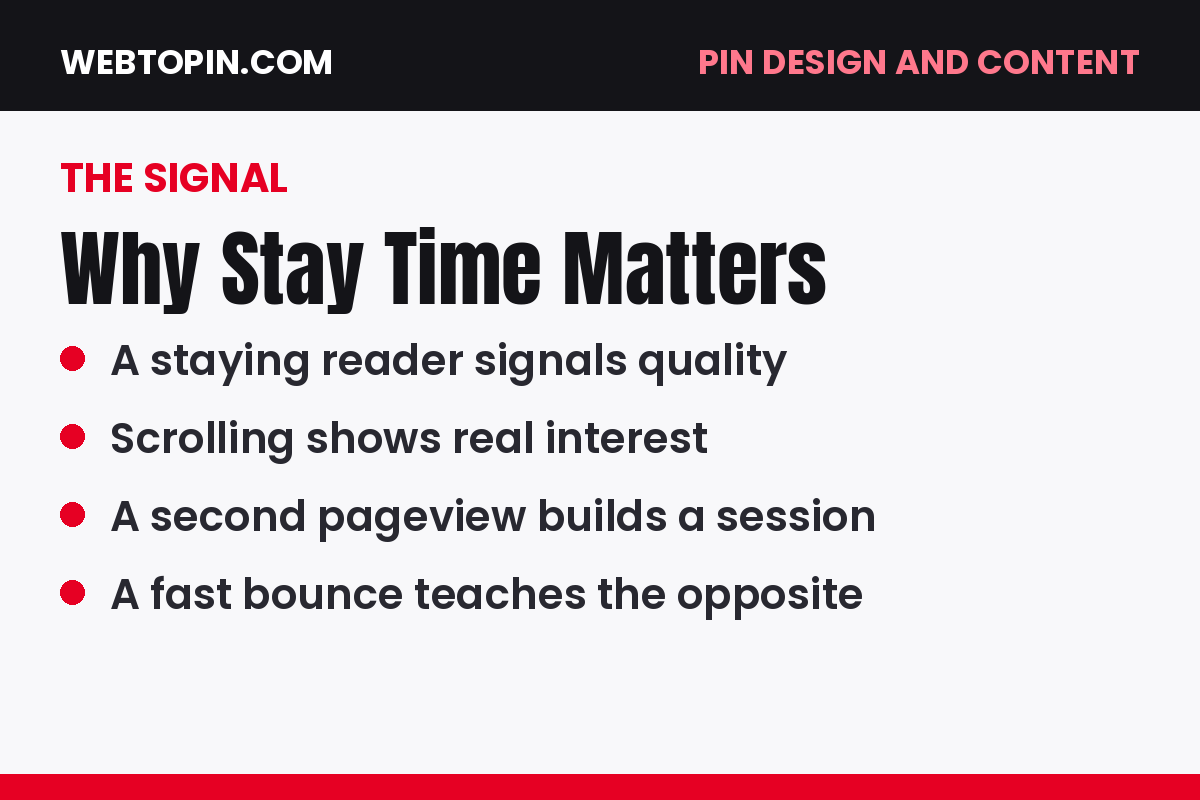
Pinterest cannot read your article, but it can measure the behaviour around it. When readers arrive from a pin and stay — scrolling, reading, saving, opening a second page — that pattern says the pin delivered what it promised. When they leave within seconds, the opposite verdict is recorded, and similar pins from your account get shown less.
Treat roughly half a minute of genuine reading as your first benchmark. You cannot hit it with a page that answers the question in one paragraph and pads the rest. Depth, pacing and layout are what buy you those seconds.
How Long Should a Pinterest Blog Post Be?
Long enough to answer the reader’s question completely — and not a paragraph longer than the topic needs. For most Pinterest-driven articles that means a solid, useful piece rather than a quick note: idea roundups where every idea gets real detail, tutorials where no step is skipped, and guides that anticipate the reader’s next question before they have to search for it.
Judge length by coverage, not a word counter. If a competitor’s article answers eight sub-questions and yours answers three, theirs will hold readers longer whatever the totals say. Write until the person who clicked your pin can leave satisfied without opening another tab.
Layout That Keeps Readers Scrolling
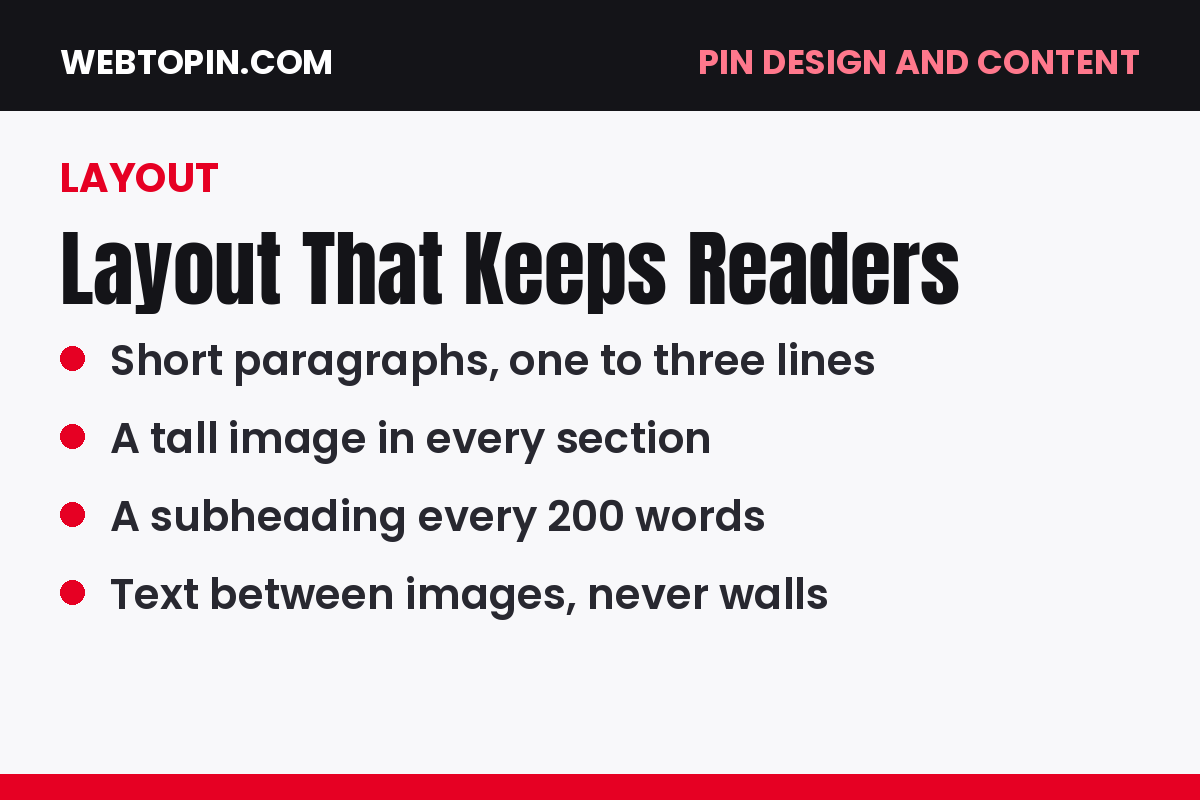
Most Pinterest readers arrive on a phone, often mid-scroll and easily distracted. Layout is how you keep them:
- Short paragraphs. Two or three sentences each; walls of text end sessions.
- Clear subheadings every few paragraphs, so skimmers can navigate and slow down where it matters.
- Tall, useful images between sections of text — a rhythm of read, see, read that suits how Pinterest users consume content.
- Lists for anything countable. Steps, ingredients, ideas and checklists belong in list form, not buried in prose.
- No clutter before the answer. Get to the promised content quickly; long personal introductions lose mobile readers.
Openings That Match the Pin
The first screen of your article must confirm, instantly, that the reader is in the right place. Repeat the promise of the pin in your opening lines — the same subject, the same angle, ideally the same key phrase — and show the first useful thing quickly, whether that is the first idea, the first step or the key answer.
This alignment is a system, not a sentence: pin and article are designed together, which is why our course pairs content lessons with Module 7: Pin Design for Outbound Clicks. When the page matches the pin, readers relax and stay; when it does not, no layout trick can save the visit.
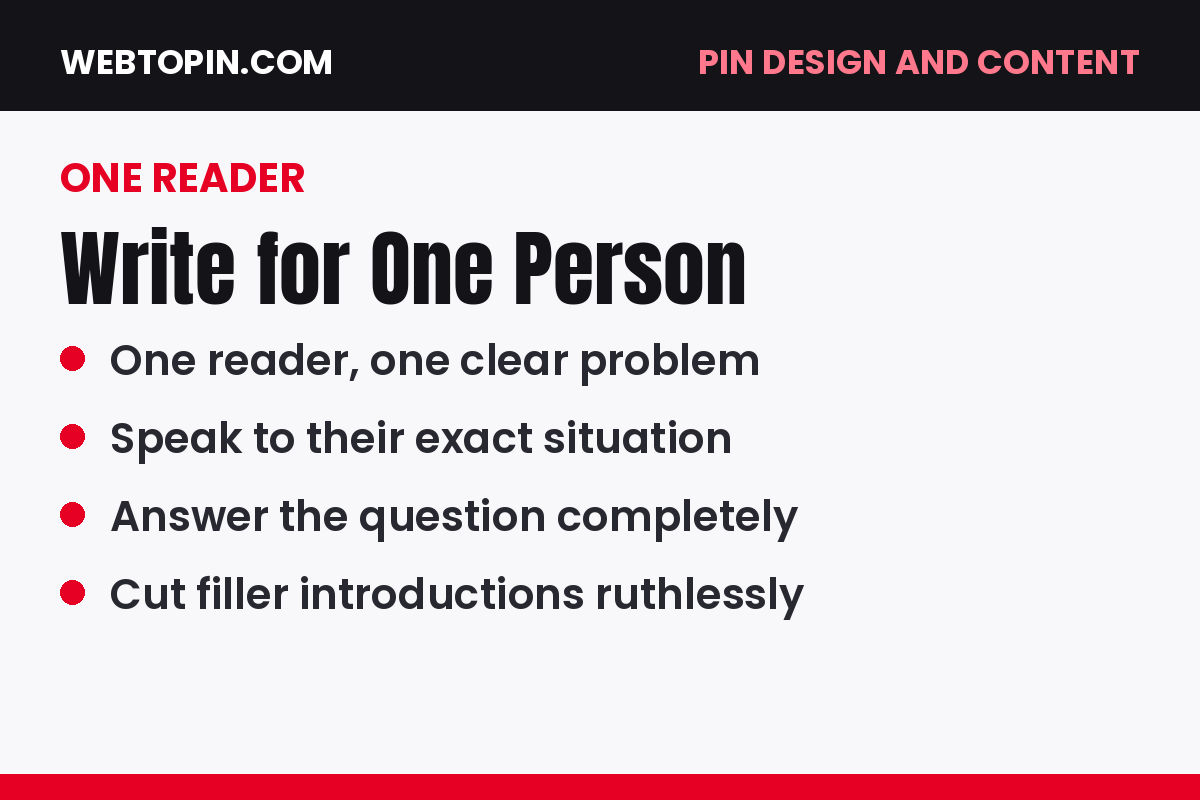
Write for One Reader, Not Everyone
Articles hold attention when the reader feels personally addressed. That starts with knowing exactly who the post is for — their situation, budget, stage and vocabulary — and writing every example and recommendation for that person. Generic advice written for “anyone interested” gives no reader a reason to stay.
If your blog still speaks to a broad topic rather than a defined group, fix that foundation with our guide on choosing a Pinterest niche by audience, not topic. One clear reader per article makes every other decision in this guide easier.
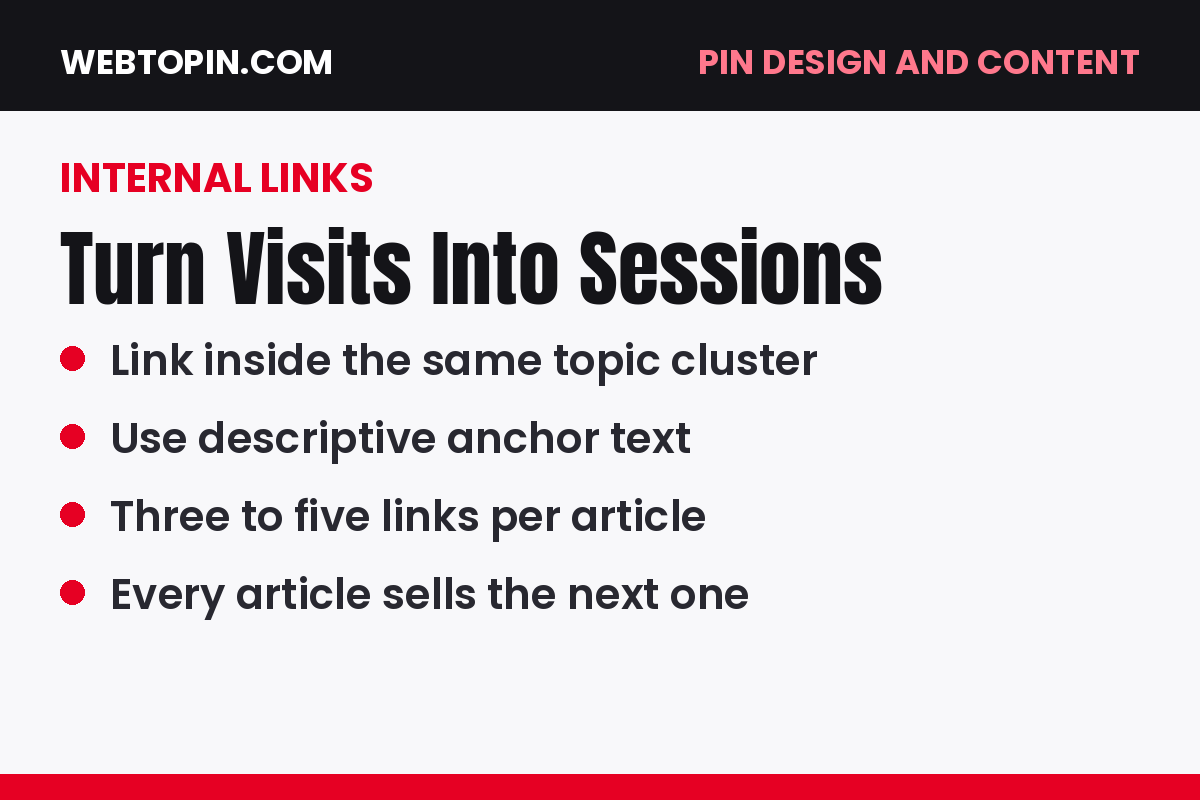
Internal Links: Turn One Visit Into a Session
A reader who views a second page has doubled the value of the click — for your ad revenue, your email list and the signal sent back to Pinterest. Internal links are how you earn that second view. Link in clusters: each article should point naturally to two or three close relatives — the next step, the deeper guide, the companion list — placed where the reader’s curiosity actually peaks, not dumped in a footer block.
Use descriptive anchor text that tells the reader what they will get, and keep the promise when they arrive. This cluster approach is mapped out in Module 6: Content That Keeps Readers (and Earns).
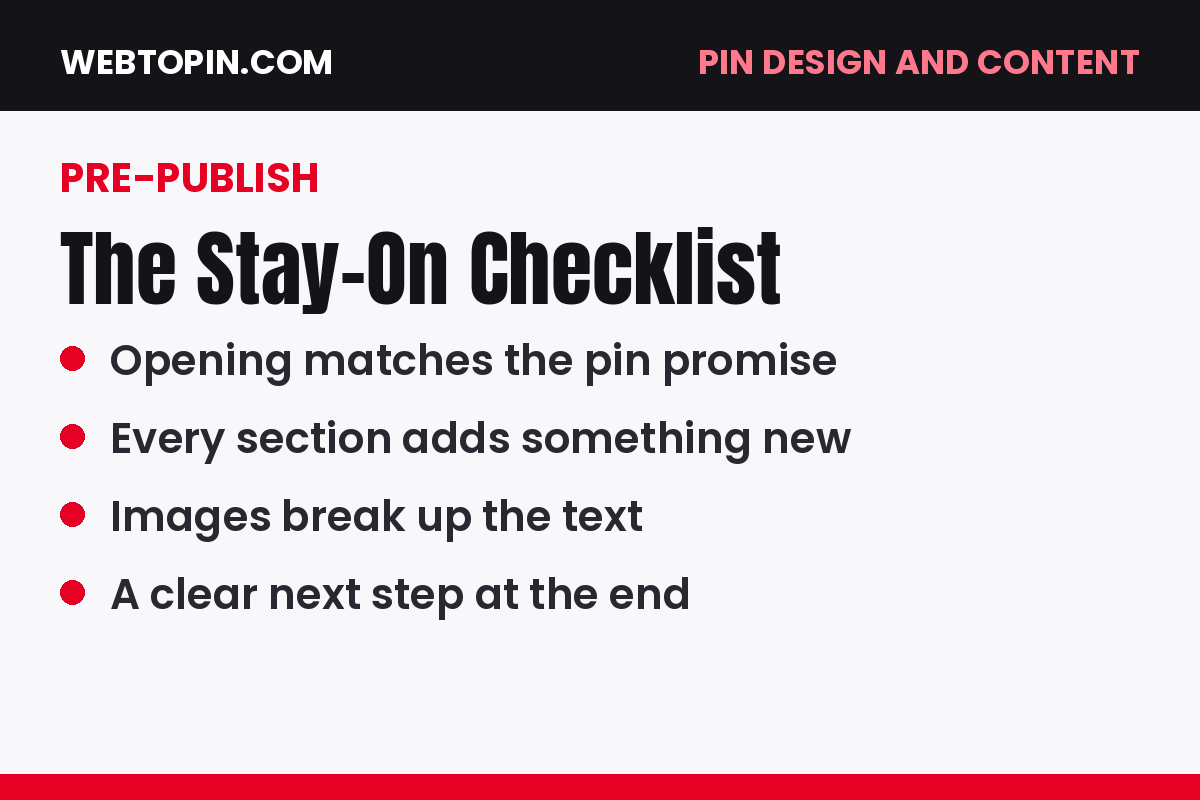
The Pre-Publish Stay-On Checklist
Before any article goes live, run this quick check:
- Does the opening confirm the pin’s promise within the first screen?
- Is every paragraph under four sentences, with subheadings breaking up the page?
- Does the article answer the question completely, including the obvious follow-ups?
- Are there images between sections, each adding information rather than decoration?
- Do two or three internal links lead to genuinely related articles?
- Would the page still satisfy a reader who never sees another pin?
Frequently Asked Questions
Does word count directly affect Pinterest traffic?
Not directly. Pinterest responds to reader behaviour, and behaviour responds to usefulness. A complete 900-word article that answers everything will outperform a padded 2,000-word one. Aim for complete coverage of the topic, then stop.
How many internal links should one article have?
Two to four well-placed links suit most articles. Quality beats quantity: one link a reader genuinely wants to click is worth more than ten ignored ones, for both your session numbers and their experience.
Can I improve an old article, or should I write a new one?
Improve it. Expanding thin sections, breaking up long paragraphs, adding images between text and linking it into a cluster can revive an old post — and pins already pointing at it benefit from the stronger page immediately.
Your Next Step
Open your most-clicked article and read it on your phone, exactly as a Pinterest visitor would. Fix the first screen, shorten the longest paragraphs, and add one genuinely helpful internal link. That single edit improves every future click the article receives — and teaches Pinterest that your blog is worth recommending again.
2 Comments