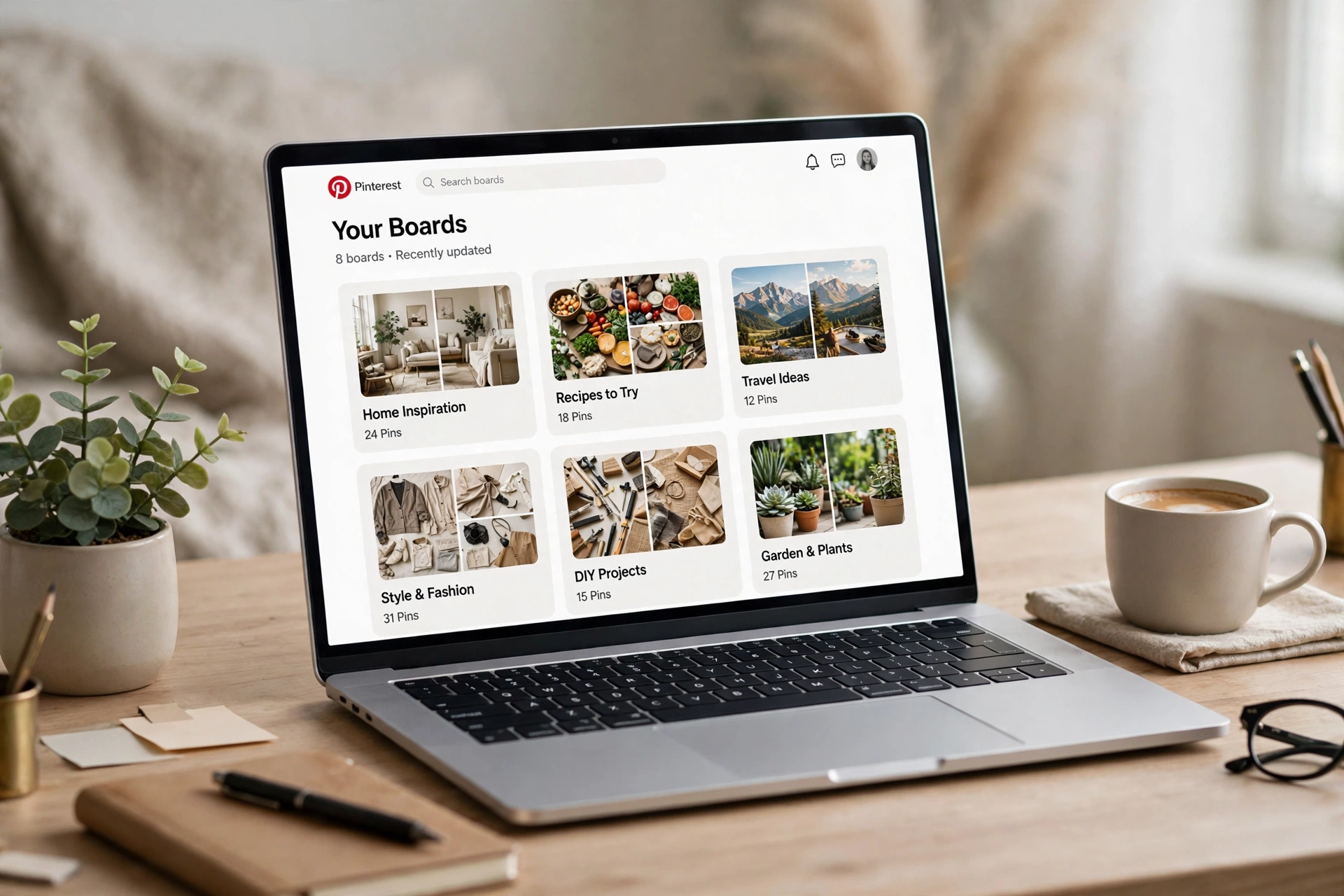
Most beginners create Pinterest boards the way they would label kitchen drawers: one for everything, named whatever comes to mind. That randomness is why so many accounts confuse the algorithm. A deliberate Pinterest board structure does the opposite — it works like a contents page for your blog, telling Pinterest exactly which subjects you publish about and which searchers should see your pins. When your boards are clustered tightly around your topic map, every new pin lands in a context Pinterest already understands, and distribution gets easier instead of harder. In this guide you will learn how to group topics into boards, name them like search phrases, and write descriptions that confirm the topic — before you publish another pin. No design skill is required for any of it: this is organisation, and any beginner can set it up properly in a single sitting.
Why Pinterest Reads Your Boards First
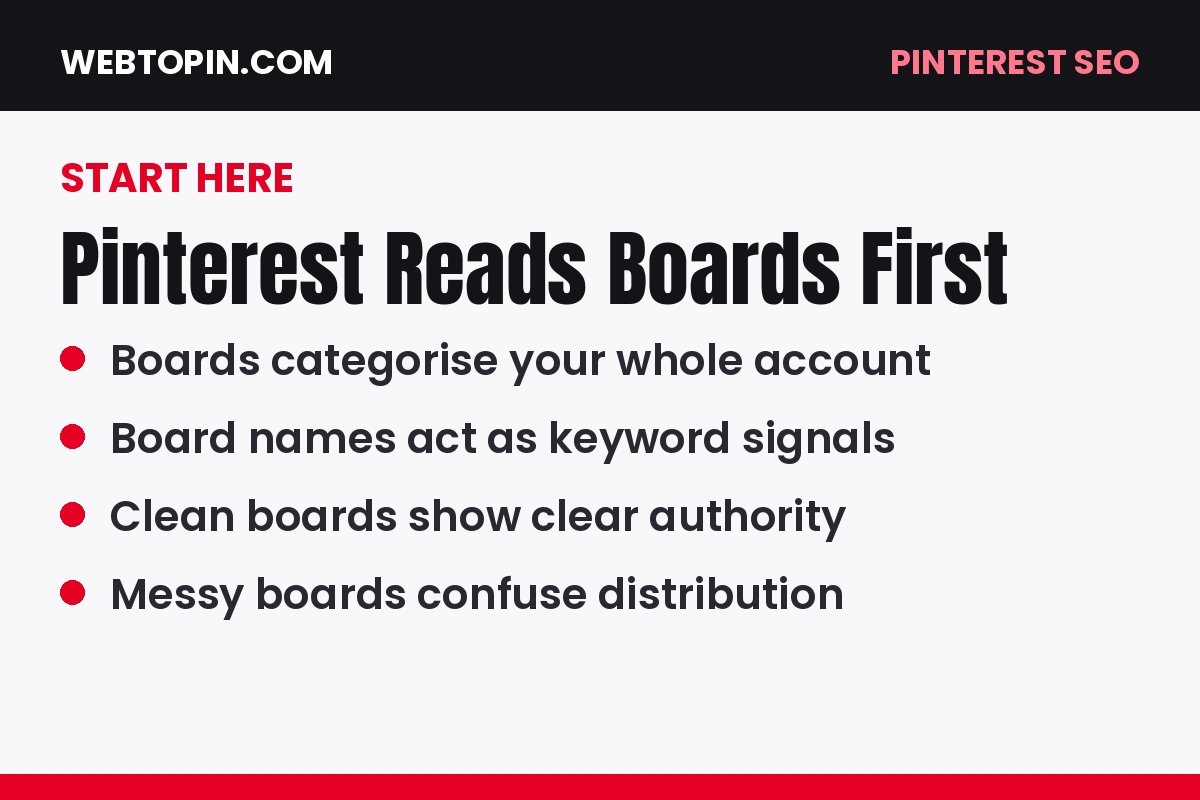
Before Pinterest can recommend a pin, it has to decide what the pin is about and who might want it. The board you save it to is one of the clearest clues it gets. A pin saved to a board called “Small Kitchen Storage Ideas” arrives with its subject already labelled; the same pin saved to “Stuff I Like” arrives with no information at all.
Boards also shape how the whole account is categorised. An account whose boards all orbit one audience and one problem looks like an authority, and authorities are easier to recommend with confidence. This is the core of Module 4: Boards and Account Architecture in our free course.
Start With a Topic Map, Not the Board Button
Good boards are never invented inside Pinterest. They come from the topic map you built during keyword research: your list of specific article ideas, grouped by theme. Each tight group on that map is a future board, and each article on your blog should have an obvious board waiting for it.
If you have not built that map yet, work through Module 3: Keyword Research and Topic Mapping first. Ten minutes of mapping saves months of reorganising later, because boards created from real search phrases start with an advantage that vague boards never catch up on.

Cluster Topics Into Boards: The Rules
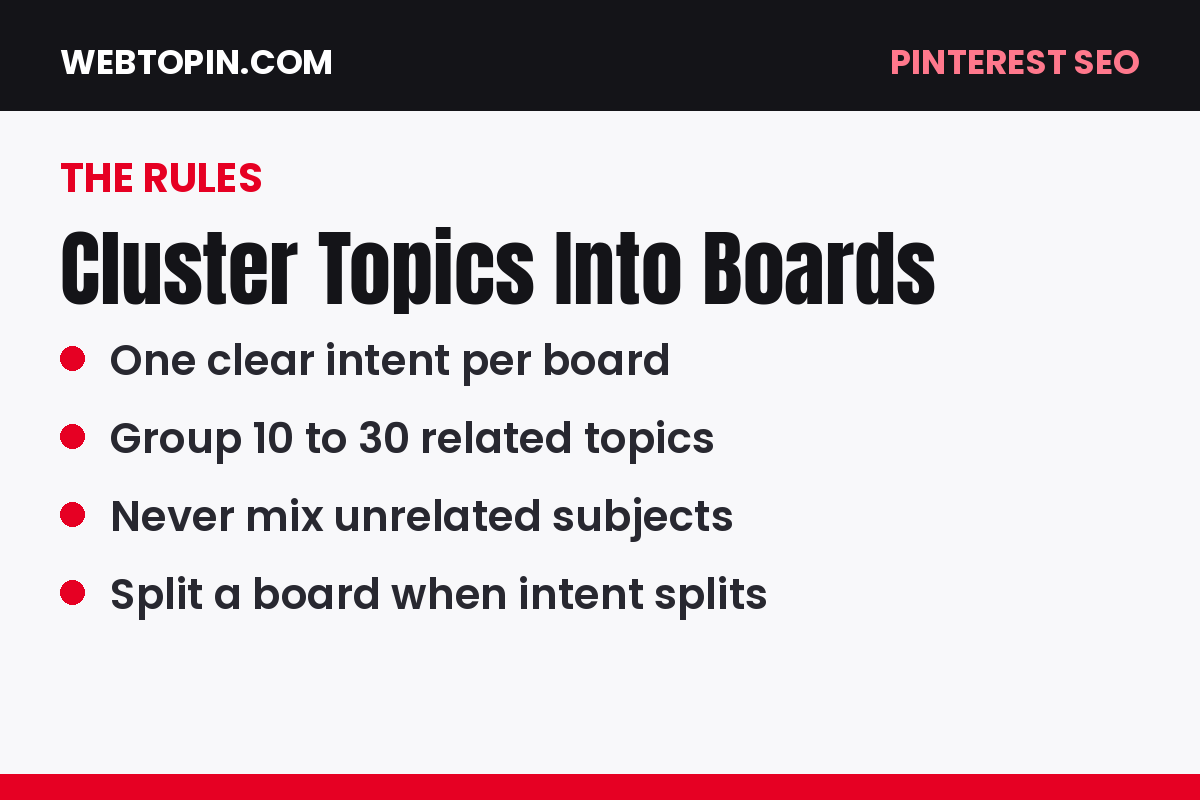
Clustering means grouping article topics that a single searcher would plausibly want together. Use these rules:
- One board, one subtopic. “Weeknight Dinners for Busy Moms” is a board; “Food” is a category, not a board.
- Keep clusters searchable. If nobody would type the idea into Pinterest search, it probably is not a board.
- Aim for depth. A board should be able to hold at least ten to fifteen pins over time without straining for ideas.
- Avoid near-duplicates. Two boards chasing the same phrase split your signals instead of strengthening them.
- Let articles decide. Create a board when you have content — or a firm plan — to fill it, not on a hunch.
Name Every Board Like a Search Phrase
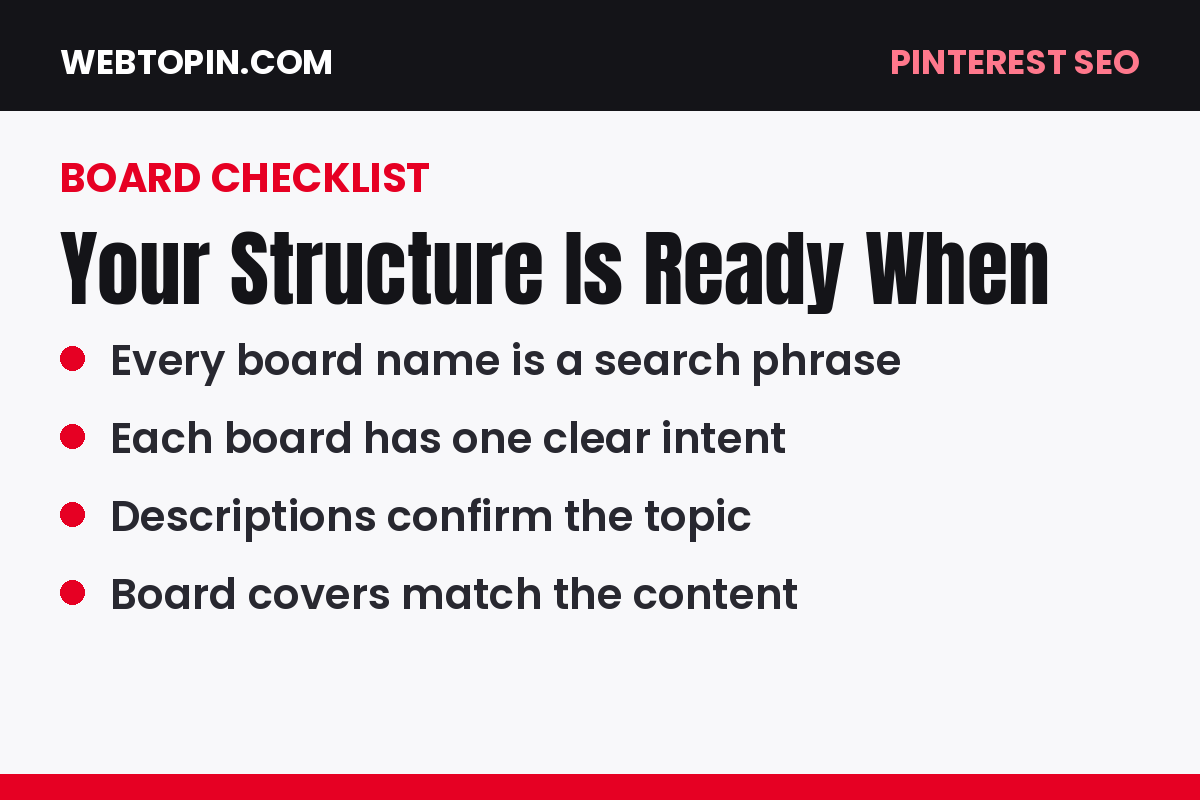
Your board title is a keyword signal, so write it the way your audience searches. Put the most specific, most searched phrase first, keep it plain, and skip cute or cryptic names. “Budget Home Office Ideas for Small Spaces” will always outperform “My Dream Desk” because only one of them matches a real query.
Avoid stuffing several phrases into one title with pipes and slashes. One clear phrase per board keeps the signal clean, and your other phrases still get their turn — as the titles and descriptions of the pins inside the board.

Write Board Descriptions That Confirm the Topic
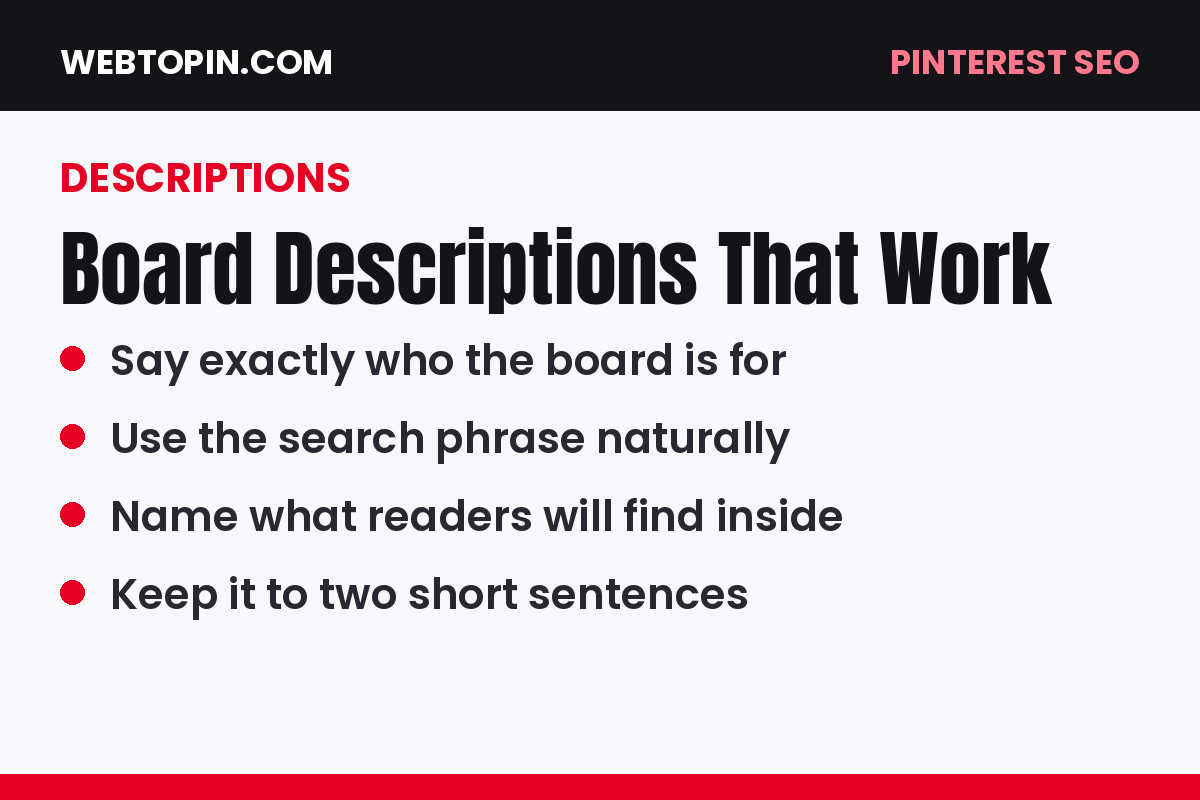
The description is your chance to confirm, in natural sentences, what the board contains and who it helps. Mention the main phrase once, add two or three related phrases your audience also uses, and describe the kind of content saved there. Two or three sentences are plenty.
Write for a human first. A description that reads like a keyword list helps nobody, while a clear one — “Simple storage ideas for small kitchens, including drawer organisers, pantry layouts and renter-friendly fixes” — tells both readers and Pinterest exactly where they are.
How Many Boards Does a New Blog Need?
Start smaller than you think. Most new blogs do well with eight to fifteen focused boards, each mapped to a cluster from their topic list, and then grow the board count as the article library grows. Thirty thin, half-empty boards look scattered; twelve full ones look authoritative.
Not sure which clusters deserve boards first? Prioritise the topics with the strongest search demand — the same ranking you built in our guide to Pinterest keyword research for bloggers — and let lower-demand clusters wait until you have written more content.

Keep Your Boards Healthy Month by Month
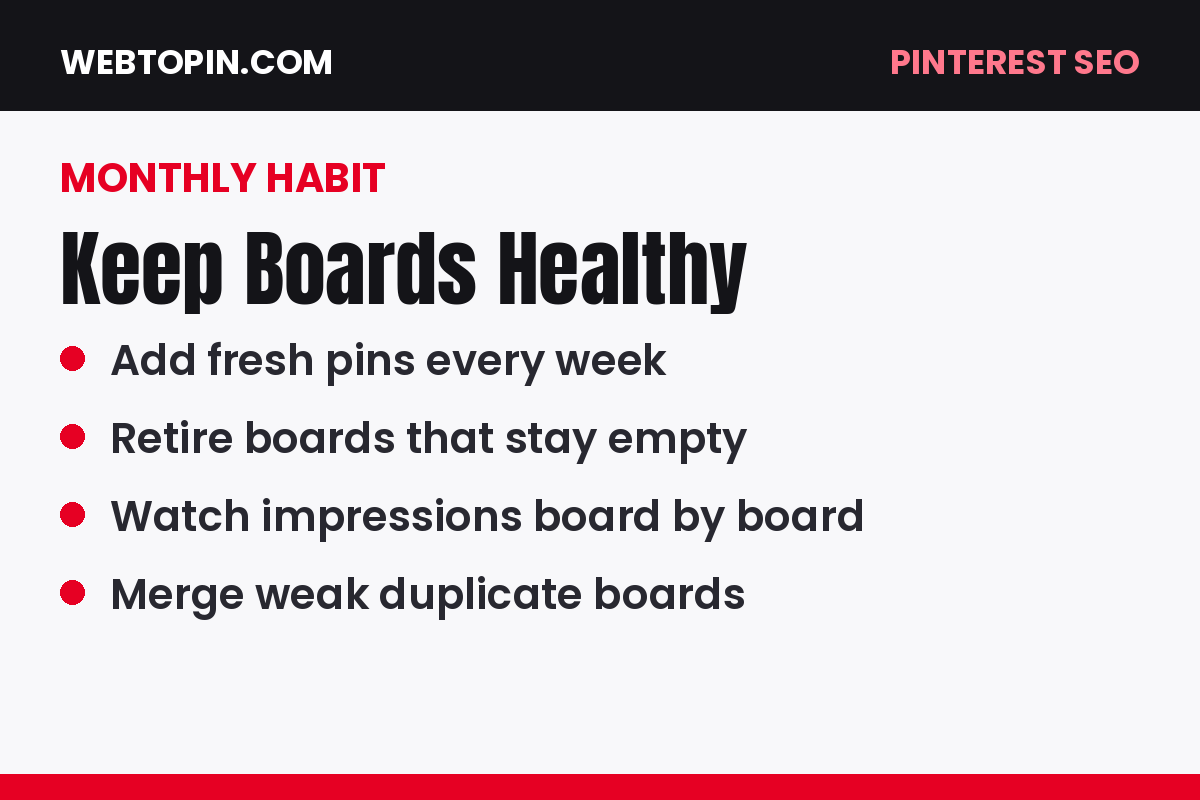
Board structure is not a one-time job. Once a month, spend twenty minutes on maintenance:
- Check which boards earned impressions and clicks, and feed those boards first.
- Add new boards only when a new article cluster genuinely needs one.
- Merge or retire boards that stayed empty or duplicated another board’s job.
- Refresh descriptions on growing boards as your content focus sharpens.
- Save every new pin to its most relevant board first, then to a second related board later if it fits naturally.
Frequently Asked Questions
Should board names be broad or specific?
Specific, almost always. Broad boards compete with everyone and tell Pinterest very little. A specific name matches real searches and places your pins in front of the exact audience your articles were written for.
Can I rename a board later without hurting it?
Yes, especially while a board is young. Clarifying a vague name usually helps more than it hurts. Just avoid renaming the same board repeatedly — settle on the search phrase you actually want and keep it.
Do group boards help a new blog grow faster?
Rarely. Large group boards are usually unfocused, which weakens the very topical signal you are trying to build. Your own well-structured boards are the better foundation for a new account.
Your Next Step
Your boards are the map Pinterest uses to understand your blog — draw that map deliberately. Cluster your topics tightly, name every board like a search phrase, and write descriptions that confirm the subject in plain words. Do that before your next publishing session, and every pin you post from now on lands in a context that works for you instead of against you.